Most small third-party logistics (3PL) warehouses start the same way: a few clients, a spreadsheet for inventory, another for billing, and a lot of email. It works with three clients. By ten, the spreadsheets are a full-time job, and every client wants to know their stock levels today.
That's usually when a 3PL starts looking for a warehouse management system (WMS). The trouble is that many WMS products were built for a single company's warehouse, not for a business that stores and ships for many companies at once. This checklist covers what a small 3PL actually needs.
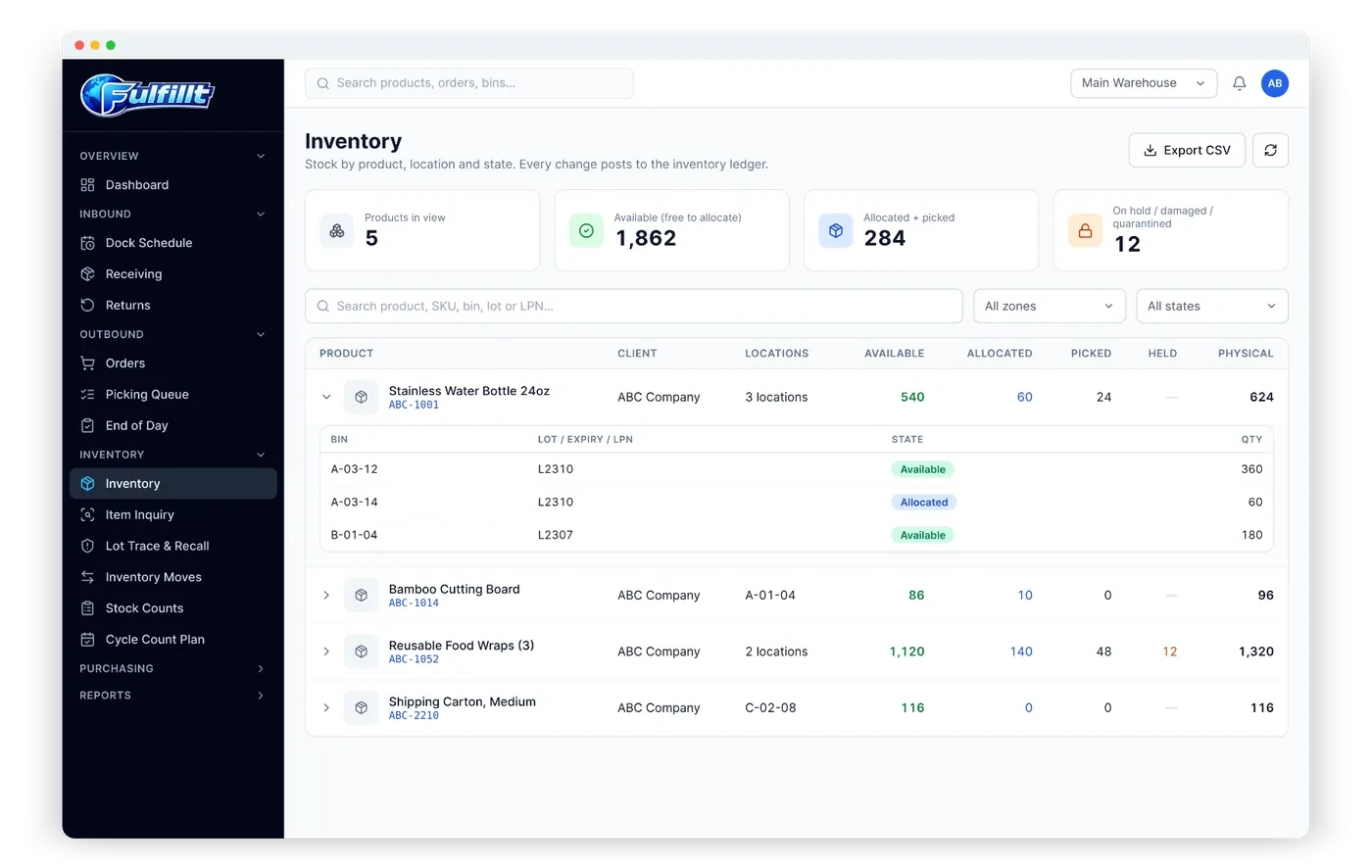
1. True multi-client inventory
A 3PL WMS has to keep each client's stock, orders and users completely separate, even when their products sit in the same aisle. Ask:
- Can each client have their own products, even with overlapping SKUs?
- Can I set rotation rules (FIFO, FEFO, LIFO) per client?
- Do client users see only their own data?
If the answer to any of these is "we can work around it," keep looking.
2. Billing built in, not bolted on
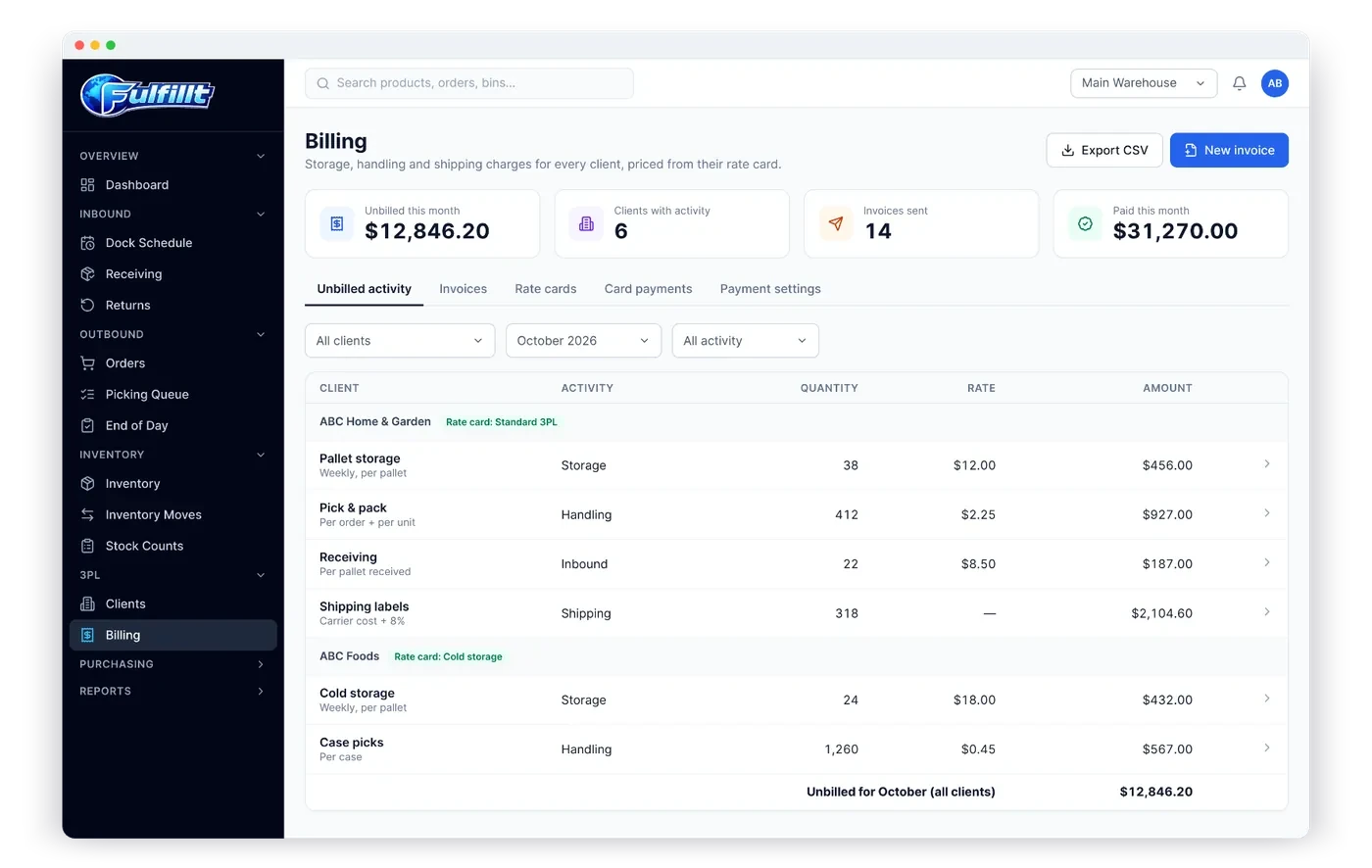
Billing is where 3PLs make or lose money. Look for:
- Rate cards per client
- Daily storage snapshots, not month-end counts
- Handling charges recorded automatically when receipts, orders and returns are completed
- A review step for unbilled activity before invoicing
We cover this in detail in 3PL billing made simple.
3. A client portal
Your clients will ask the same questions every day: What's in stock? Did my order ship? When is my container arriving? A client portal answers them without an email. It should show inventory, orders, inbound shipments, invoices and reports, and let clients request dock appointments. See what a 3PL client portal should show.
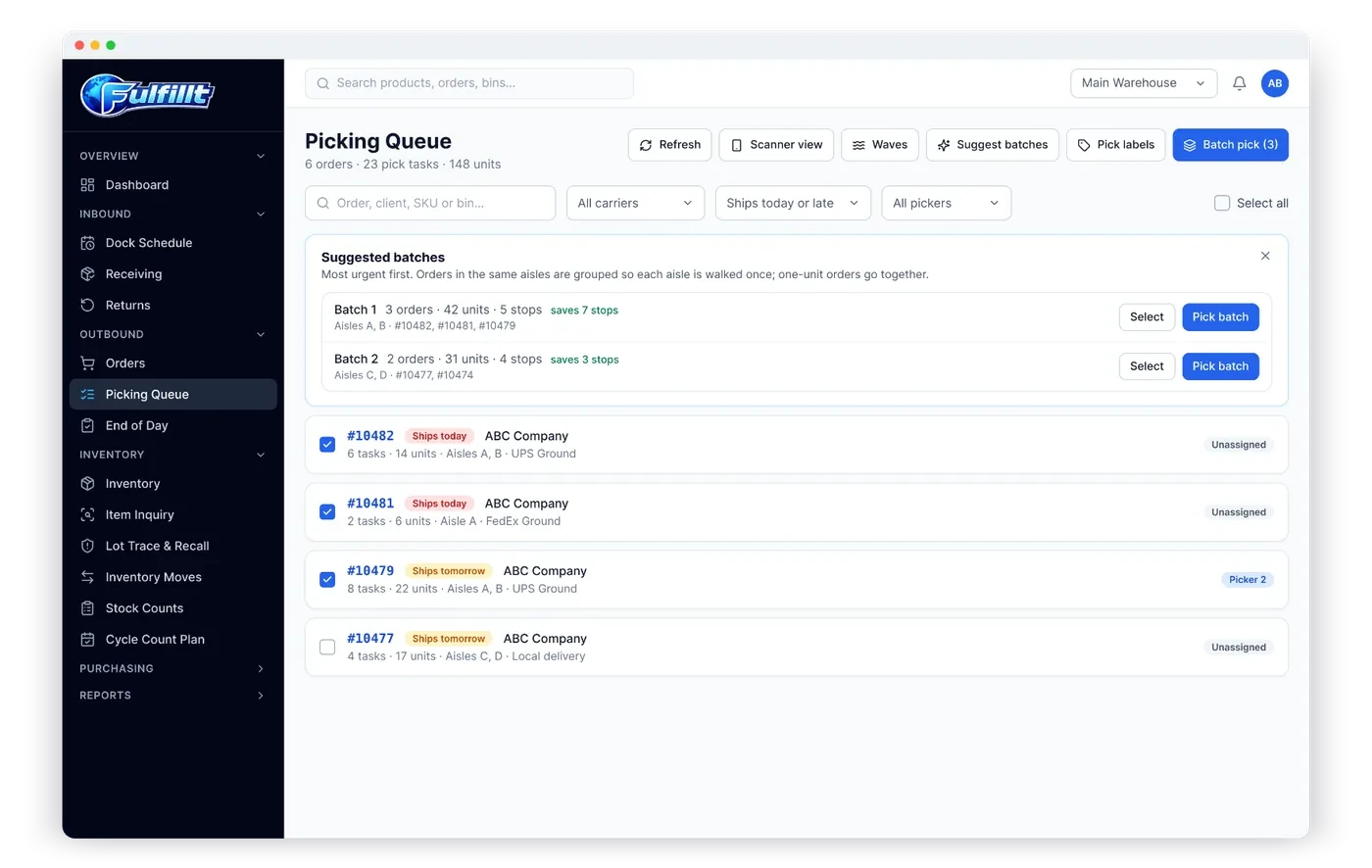
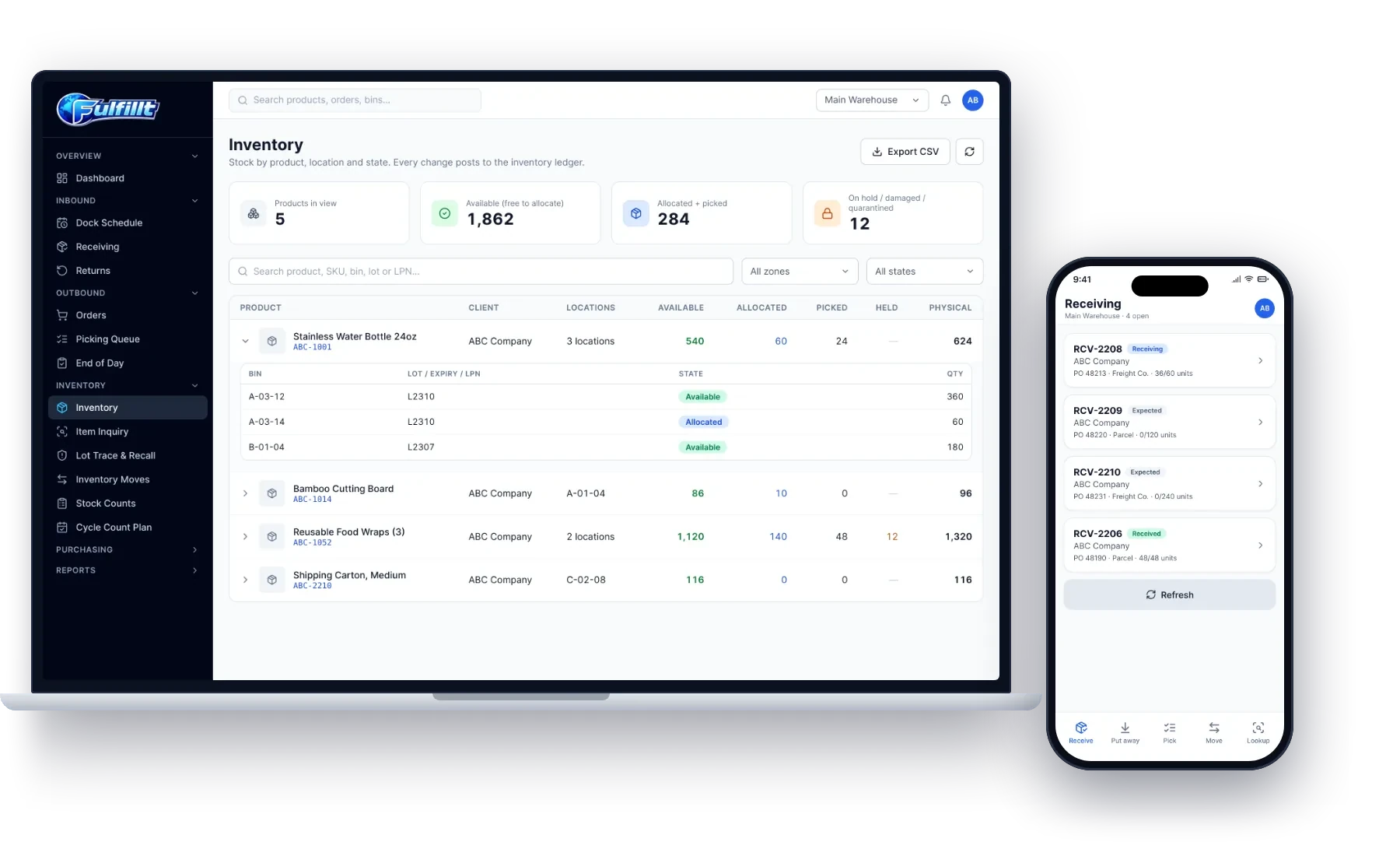
4. Mobile screens for every floor task
Receiving, put-away, moves, picking, counting and lookups should all work on a phone, tablet or handheld scanner. If the floor has to walk back to a desktop, the system won't be used.
5. Lot, expiry and pallet tracking
Food, beverage, cosmetics and supplement clients will expect lot and expiry tracking and LPN pallet labels from day one. See lot and expiry tracking explained.
6. Shipping and compliance labels
You'll need to buy carrier labels for parcel orders and print GS1-128 SSCC labels and bills of lading for retail and LTL orders. Retail clients will hold you responsible for chargebacks, so this matters. See SSCC labels and retail compliance.
7. Integrations your clients already use
Clients will send orders from Shopify, an ERP, a spreadsheet or an API. Look for direct connections, CSV imports, and a REST API with webhooks for everything else.
8. Roles and permissions
A 3PL has receivers, pickers, packers, shippers, counters, supervisors, billing staff and client users. Each should see only what their job needs.
9. Room to grow
Can you add a second warehouse later? Can you start with your own inventory and add clients over time? A good system lets you switch between running your own warehouse and running as a 3PL without starting over.
10. Pricing you can predict
Watch for per-order fees and per-client fees that grow faster than your revenue. A predictable monthly price per warehouse makes it easier to quote clients.
Questions to ask in every demo
- Show me two clients with the same SKU in the same warehouse.
- Show me how storage is billed for a pallet that stayed 9 days.
- Show me what my client sees when they log in.
- Show me receiving on a handheld scanner.
- Show me how a return is restocked and billed.
How Fulfillt WMS fits a small 3PL
Fulfillt WMS was built with 3PLs in mind:
- Multiple clients in one warehouse, each with its own stock, orders and users
- Rate cards, daily storage snapshots and handling charges turned into invoices
- Client portal with inventory, orders, inbound shipments, invoices, reports and dock requests
- Mobile screens for every floor task, on phones, tablets and handheld scanners
- 15 roles with exact permissions
- Shopify, Brightpearl, QuickBooks, Zapier, CSV imports and a REST API with signed webhooks
- The 3PL plan is $899 per month with 10 users and multiple client accounts