If you sell food, beverages, supplements, cosmetics, chemicals or anything else with a date on it, you already know the cost of getting stock rotation wrong. Expired product gets written off. Short-dated product shipped to a picky customer comes back. And if a supplier issues a recall, you need to know within minutes which customers received the affected lot.
Lot and expiry tracking is how warehouses stay on top of all of this. This guide explains the terms, compares the common rotation methods, and shows how to set it up without slowing the floor down.
Key terms
Lot (or batch) number. A code from the manufacturer that identifies product made in the same run. Everything in one lot shares the same production date, ingredients and quality checks.
Expiry date (or best-by date). The date after which the product shouldn't be sold.
LPN (license plate number). A unique label on a pallet or case that lets you scan the whole unit at once, instead of every item on it.
Rotation. The rule that decides which stock gets picked first.
FIFO, FEFO and LIFO
FIFO: first in, first out
The oldest stock received is picked first. FIFO is the default for most products because it keeps inventory moving and prevents old stock from sitting in the back.
Use FIFO for: general merchandise, products with long or no expiry.
FEFO: first expired, first out
The stock that expires soonest is picked first, regardless of when it was received. This matters because the stock you received first doesn't always expire first. A later delivery can have an earlier date.
Use FEFO for: food and beverage, health and beauty, pharmaceuticals, and anything with an expiry date.
LIFO: last in, first out
The newest stock is picked first. It's uncommon in physical rotation, but useful for some non-perishable bulk materials where the newest stock is simply the easiest to reach.
Use LIFO for: non-perishable bulk goods, stacked materials where access matters more than age.
Why rotation should be enforced by the system
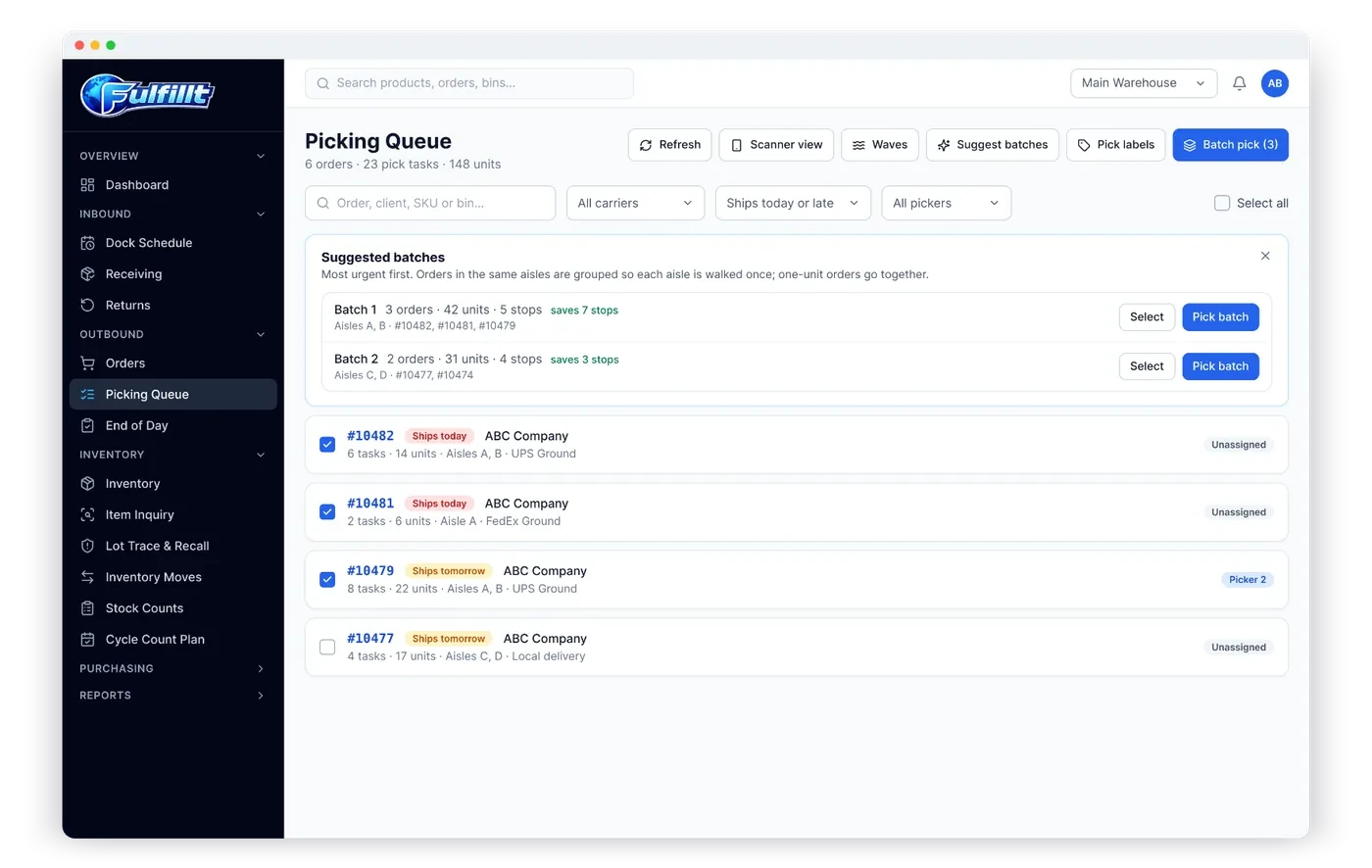
A rotation policy written on a whiteboard doesn't hold up on a busy day. Pickers grab what's closest. New stock gets put in front of old stock. The only reliable way to rotate correctly is to have the system choose the lot and bin for every pick, so the picker is sent to the right stock and the scan confirms it.
A good system also never allocates expired stock, so it can't be picked by mistake.
Capturing lots and expiry dates at receiving
Lot tracking starts at the dock. If lot numbers and expiry dates aren't recorded when product arrives, they can't be tracked later. At receiving:
- Scan the item or case.
- Enter or scan the lot number and expiry date.
- Print an LPN label for the pallet, so future moves need just one scan.
- Put the pallet away to a bin.
Doing this on a phone or handheld scanner takes seconds per pallet.
Holds, damage and quarantine
Not all stock on the shelf should be available to sell. Product can be:
- On hold, waiting for a quality check
- Damaged
- Quarantined, for example during a recall
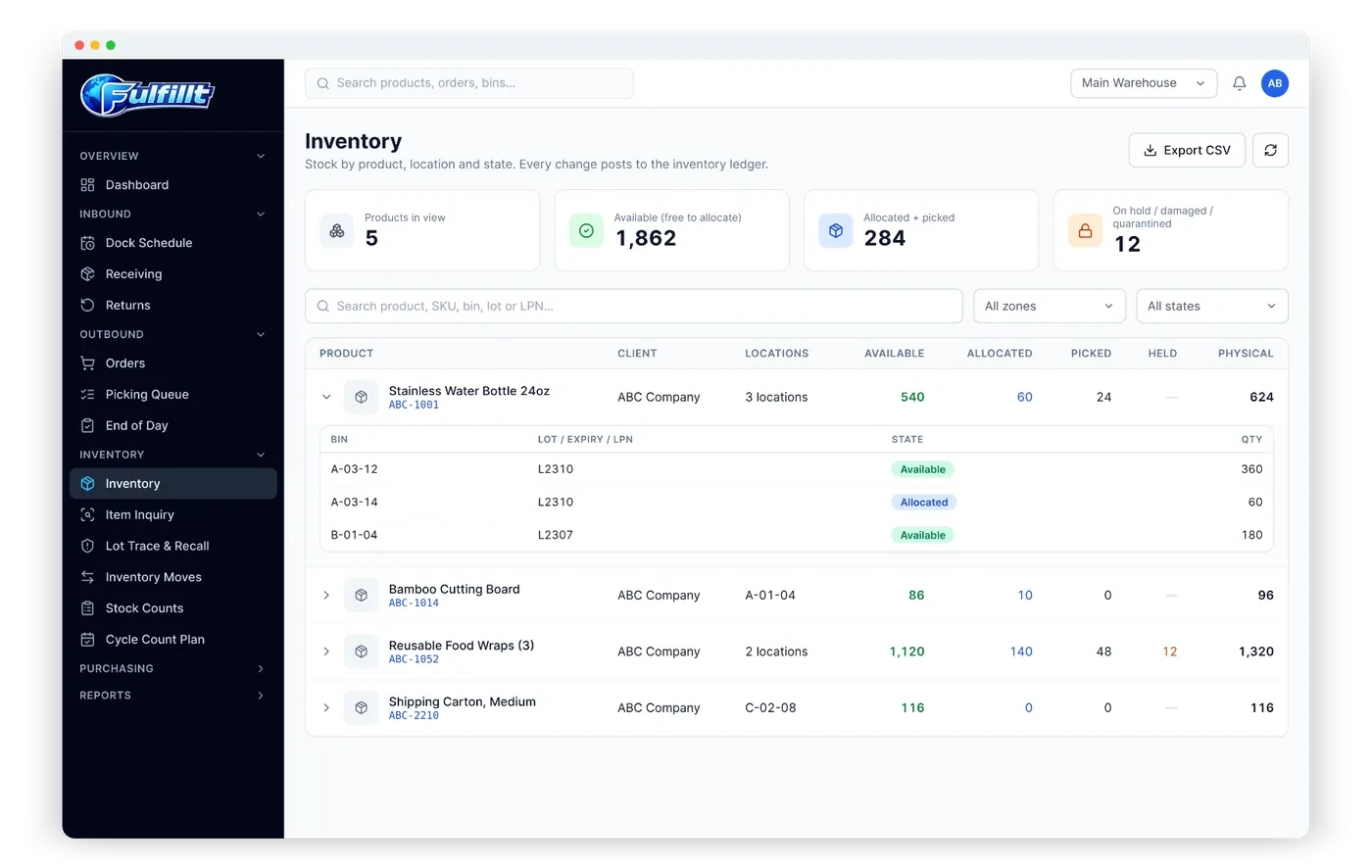
Marking stock with these states keeps it in your count without letting it be picked.
Handling a recall
When a supplier recalls a lot, you need to answer three questions fast:
- How much of the lot do we still have, and where is it? Put it on hold immediately.
- Which customers received it? Contact them.
- What came back? Quarantine returns from the affected lot.
If every receipt, move and pick records the lot, these answers come from a single search instead of a week of digging through paperwork. A permanent inventory ledger, where every change is recorded, is what makes this possible.
An example
The fictional ABC Company receives two deliveries of a granola product:
| Lot | Received | Expires | Qty |
|---|---|---|---|
| L-2241 | Oct 2 | Mar 15 | 40 cases |
| L-2318 | Oct 20 | Feb 28 | 60 cases |
Under FIFO, lot L-2241 would be picked first because it arrived first. Under FEFO, lot L-2318 is picked first, because it expires two weeks sooner. Choosing FIFO here would leave 60 cases closer to expiry on the shelf. For dated products, FEFO is almost always the right choice.
How Fulfillt WMS handles lots and expiry
Fulfillt WMS tracks every unit by bin, lot, expiry and pallet:
- LPN pallet labels, lot numbers and expiry dates captured at the dock
- Real-time stock by warehouse, zone, aisle and bin, with lot, expiry and LPN
- FIFO, FEFO or LIFO rotation per product or client, and expired stock is never picked
- Holds, damaged and quarantine states, so only good stock is available to sell
- Every change recorded in a permanent inventory ledger with a full audit trail
- Returns restocked to a bin or marked damaged or quarantined
The bottom line
If your products have dates, use FEFO, capture lot and expiry at receiving, and let the system choose the lot for every pick. You'll write off less, ship fewer short-dated orders, and handle recalls in minutes.