Ask any 3PL account manager what fills their inbox, and you'll hear the same list: How many units of SKU 1042 do we have? Did order 5531 ship? When is our container being received? Can you send last month's invoice again?
None of these questions are hard. They just take time, and they come every day from every client. A 3PL client portal lets clients answer them on their own, at any hour, with live data. Done well, it also becomes one of your strongest sales tools, because prospects want to see exactly what they'll get.
Why the portal matters for winning clients
When a brand chooses a 3PL, they're handing over their inventory and their customer experience. They want visibility. A clear, modern portal shows them they'll never be in the dark. Many 3PLs open their sales demos with the portal for exactly this reason.
What to include
1. Live inventory
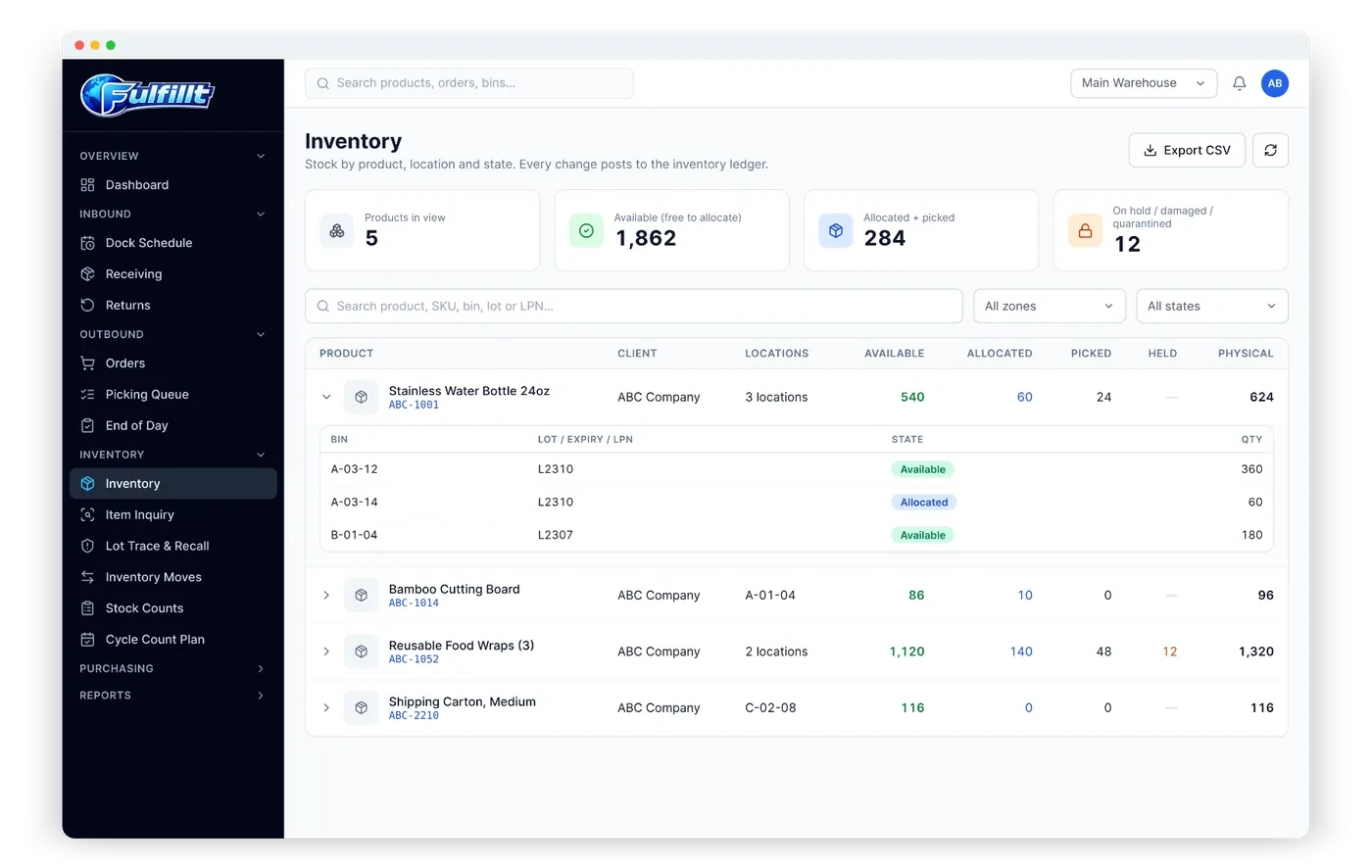
The core of any portal. Clients should see:
- On-hand, available and committed quantities by product
- Lot and expiry dates, where relevant
- Stock on hold, damaged or quarantined, shown separately from good stock
"Live" matters. A report emailed every Monday is not the same as a number the client can trust right now.
2. Orders and tracking
Clients should be able to look up any order and see its status, from received to picked, packed and shipped, with tracking numbers for every shipment.
3. Inbound shipments
Clients send you containers, pallets and parcels. The portal should show what's expected, what's been received, and any discrepancies, so clients can follow up with their suppliers quickly.
4. Dock appointment requests
Instead of emailing to book a delivery, clients (or their carriers) can request a dock appointment through the portal. That keeps your dock schedule in one place. See dock appointment scheduling.
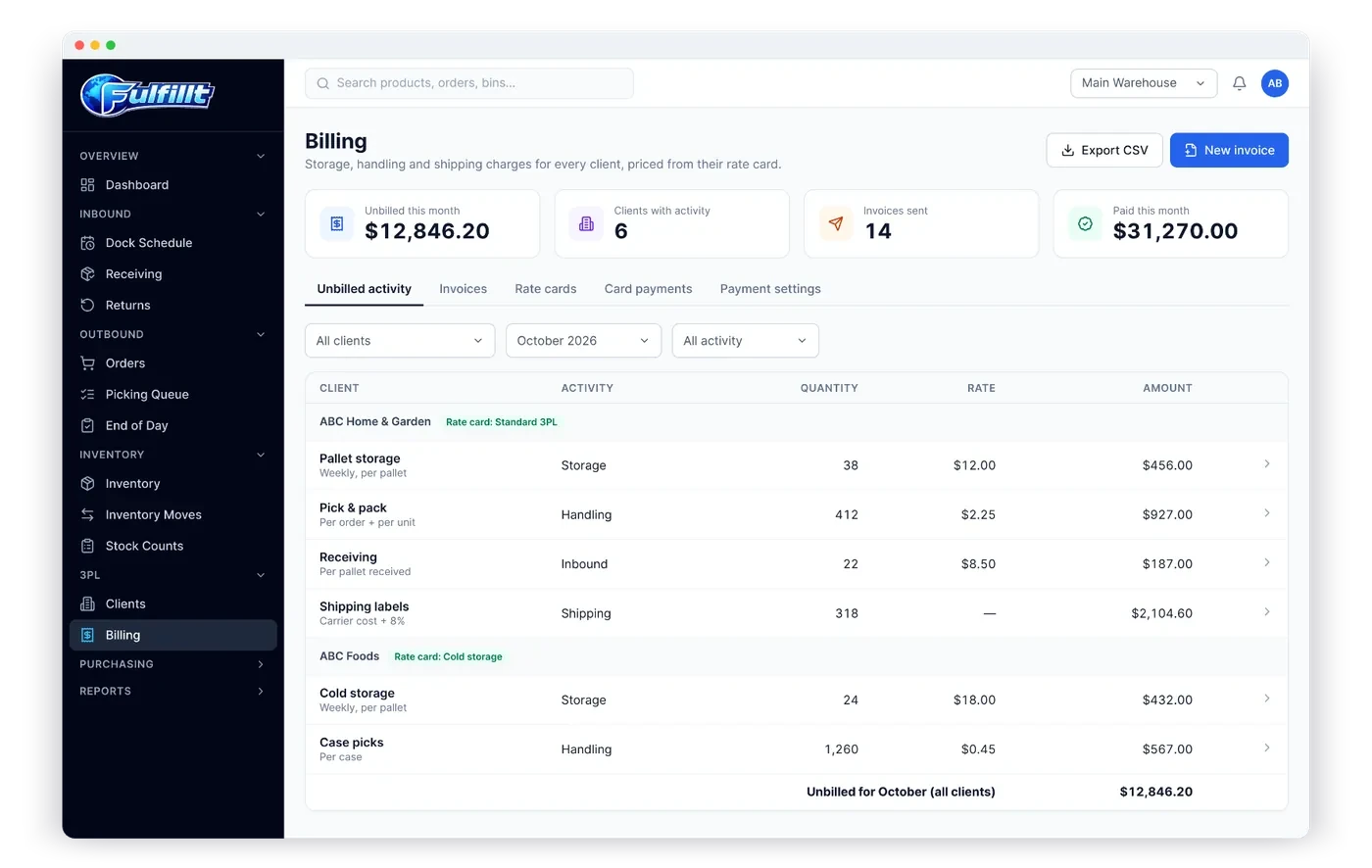
5. Invoices
Clients should be able to see and download their invoices, so your billing team isn't re-sending PDFs.
6. Reports
Inventory, order and shipping reports that clients can run themselves, for their own planning and their own accountants.
7. Returns
Where returns are part of the service, clients should see what came back and what happened to it: restocked, damaged or quarantined. See returns handling for 3PLs.
What not to include
The portal should show the client their data, not your operations. Keep internal notes, staff names, other clients' data and your cost information out of it. Good role-based permissions make this automatic.
Rolling it out
- Start with one or two clients who email the most. They'll feel the difference first.
- Walk them through it on a short call.
- Reply to the next "what's my stock?" email with a link to the portal page that answers it.
- Add the portal to every new client's onboarding.
How the Fulfillt WMS client portal works
Fulfillt WMS includes a client portal where each client sees only their own:
- Inventory, with lot, expiry and status
- Orders and shipments
- Inbound shipments
- Invoices and reports
- Dock requests
It's part of Fulfillt WMS's multi-client setup, where each client has its own stock, orders and users.
The bottom line
A client portal turns daily status emails into self-service, and it shows prospects you take visibility seriously. Include live inventory, orders, inbound shipments, invoices, reports and dock requests, and keep everything else out.