A distributor with 3,000 products has a problem when a café owner opens the ordering portal: they have to scroll past retail packaging, bulk industrial sizes and products made for another customer, just to find the 40 items they actually buy.
Custom catalogs solve this. Each customer, or group of customers, sees only the products that apply to them. Ordering gets faster, mistakes go down, and products that shouldn't be visible stay hidden.
What is a custom catalog?
A custom catalog is a list of products assigned to a customer or a group of customers. When those customers browse, search or order, through a rep or on their own, they see only what's in their catalog.
Catalogs work alongside pricing: the catalog decides what a customer can buy, and their pricing tier and customer-specific prices decide how much they pay. See customer-specific pricing.
When to use custom catalogs
Different types of customers
Restaurants, retailers and distributors often buy different pack sizes and product lines. Give each type its own catalog.
Private-label and exclusive products
If you make a product exclusively for one customer, it should never appear for anyone else.
Regional or contract lines
Some products are only sold in certain regions, or only under certain contracts.
Simplifying the portal
Even when there's nothing to hide, a shorter catalog makes self-service ordering much easier. Customers find what they need and reorder faster. See why distributors add a customer portal.
Benefits
- Faster ordering: customers and reps browse a short, relevant list
- Fewer mistakes: customers can't order the wrong pack size or a product they shouldn't have
- Protected exclusives: private-label lines stay private
- Better recommendations: suggested products come from the right catalog
How to set up catalogs
- Group your customers by type, such as foodservice, retail and distributor.
- Start from sales history: what each group actually buys is the best first draft of their catalog.
- Add products they should know about, such as new items in the same category.
- Mark exclusives and assign them only to the customers who own them.
- Review quarterly as products are added and discontinued.
Catalogs and reps
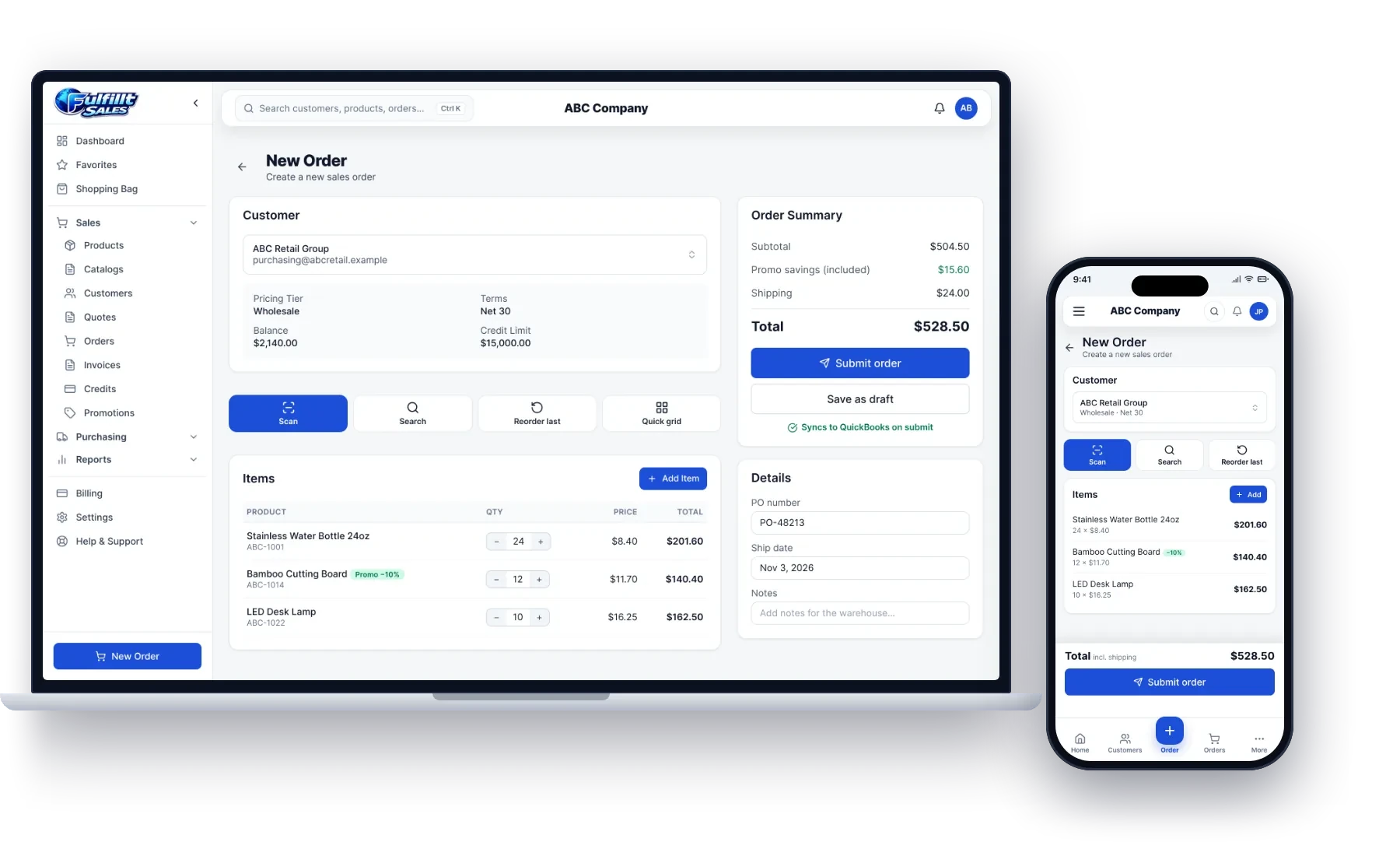
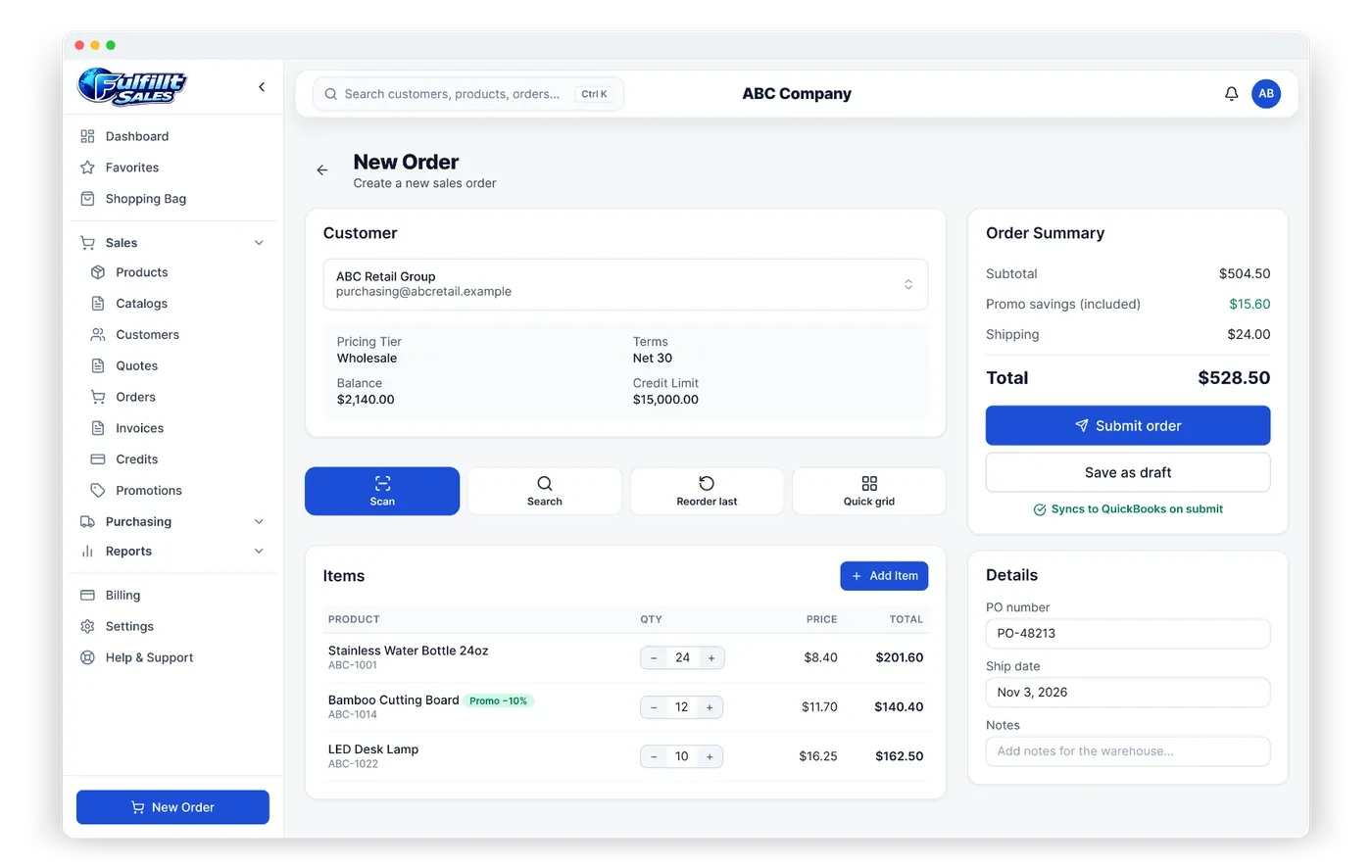
Reps usually need to see the customer's catalog when ordering for them, so they don't sell something the customer can't get. With custom catalogs, the rep's order screen shows the same products the customer would see in the portal.
An example
The fictional distributor ABC Company sells kitchen and home products to three types of customers. Its cafés see a catalog of 60 foodservice items. Its retail stores see 900 retail-packaged products. One retail chain also sees its own private-label water bottle, which no other customer can see or order.
How Fulfillt Sales handles catalogs
Fulfillt Sales includes:
- Custom catalogs so each customer sees only their products
- Pricing tiers and customer-specific prices with quantity breaks and dates
- Promotions that reps and customers are alerted to automatically
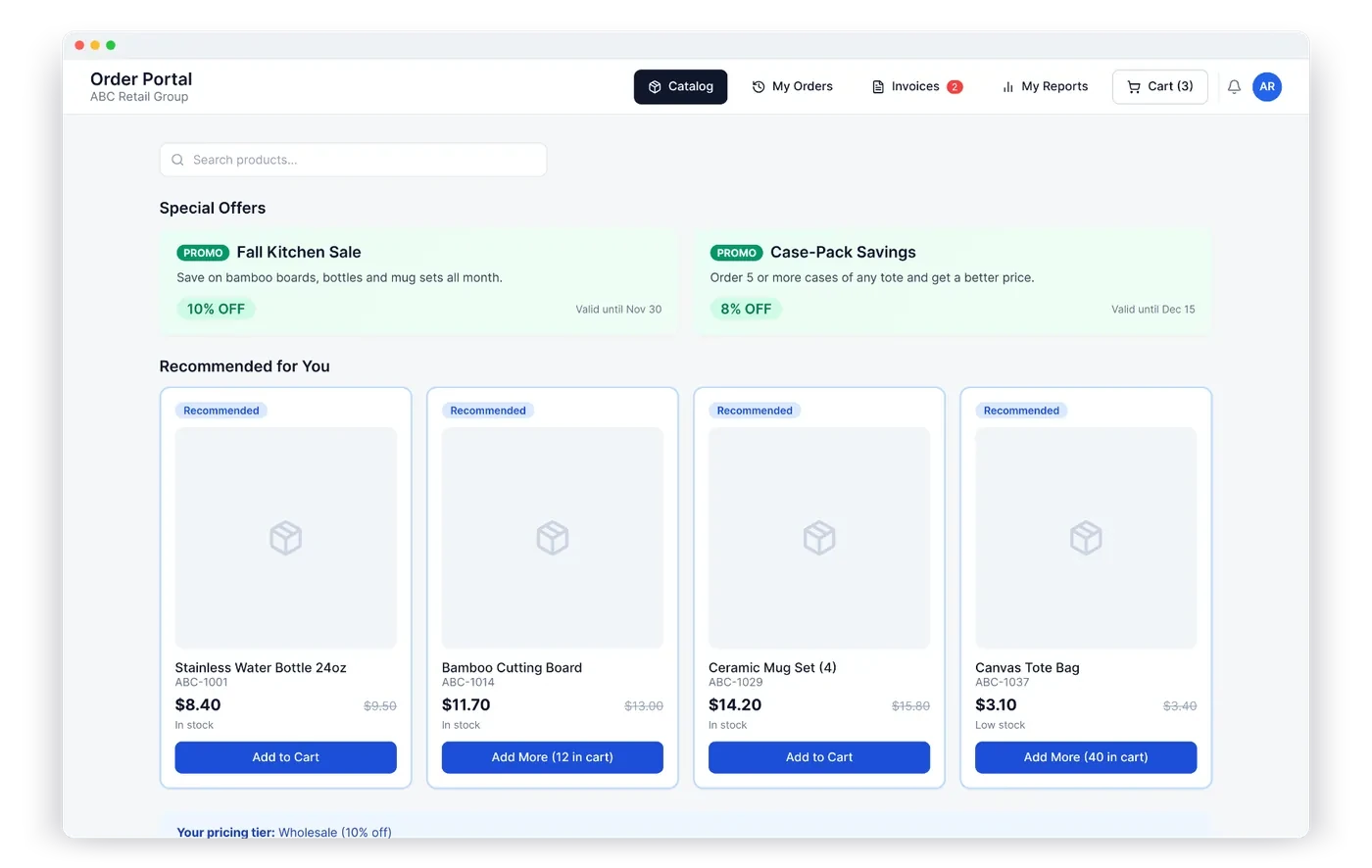
- A customer portal where customers see their own catalog, prices and live availability
- Admin, sales rep and customer access levels
The bottom line
Custom catalogs make ordering faster and safer for every customer. Group customers by type, build catalogs from what they buy, protect exclusives, and review regularly.