Every field sales rep has a story about the order that almost didn't happen. The buyer was ready, the shelf was empty, and the phone showed one bar of signal in a concrete stockroom. The rep wrote it on a pad, promised to "send it over tonight," and hoped nothing was lost on the way back to the office.
For wholesale distributors, manufacturers and food and beverage suppliers, that moment repeats every day. Reps work in basements, warehouses, walk-in coolers, rural routes and trade-show halls, all places where mobile data is weak or missing. If your ordering tool only works online, your reps fall back to paper, and paper is where errors, delays and lost orders come from.
This guide explains what offline order taking really means, what to look for in a sales rep app, and how it keeps orders flowing into your accounting system without retyping.
What "offline" should actually mean
Many apps say they work offline, but there is a big difference between opening offline and working offline. A real offline ordering app lets a rep do the whole job with no signal:
- Look up customers, including their address, terms, pricing tier and recent orders.
- Search and browse products, with photos, units and case sizes.
- See the customer's own prices, including quantity breaks and active promotions.
- Build and save the order or quote, with notes and a PO number.
- Capture a signature from the buyer.
When the connection comes back, the app should send everything automatically, in the right order, without the rep having to remember to press anything.
If any of those steps needs a connection, reps will find out at the worst possible moment, in front of a customer.
Why paper and "I'll send it later" cost more than you think
Paper orders feel free, but they have hidden costs that add up:
- Retyping. Someone in the office has to key the order into QuickBooks or your accounting system. That is time, and every retyped line is a chance for a typo.
- Delay. An order written at 10 a.m. but entered at 5 p.m. misses that day's picking. The customer waits a day longer for no reason.
- Wrong prices. Reps working from memory or a printed price list can quote an old price or miss a promotion, which leads to credits and unhappy customers.
- Lost orders. Pads get left in the car. Photos of handwritten orders get buried in a text thread.
An app that works offline removes all four, because the order is captured once, correctly, at the moment of sale.
What a rep's day looks like with offline ordering
Here is a typical visit for a rep at the fictional distributor ABC Company:
- Before heading out, the rep opens the app on Wi-Fi. Customers, products, prices and stock update on the device.
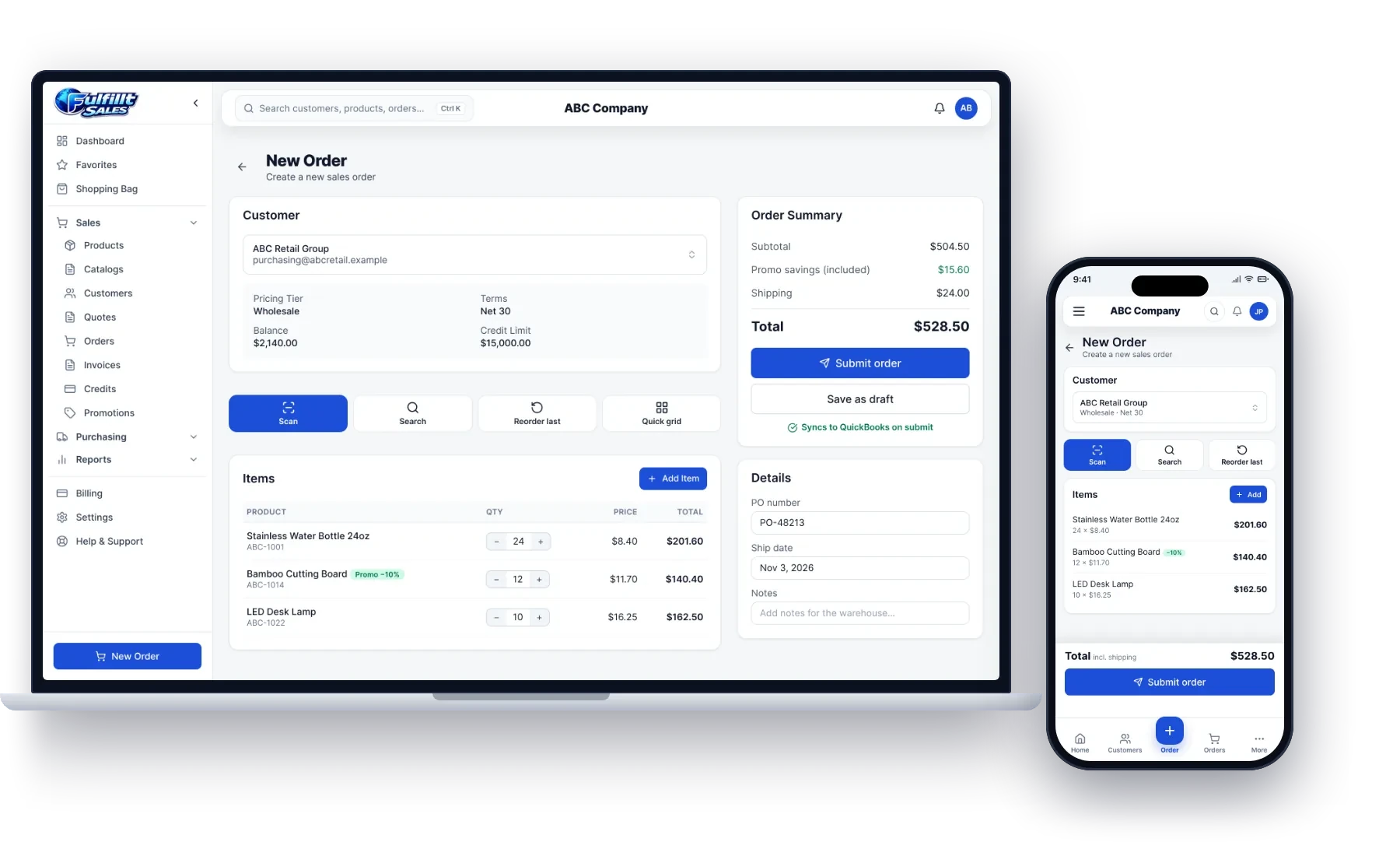
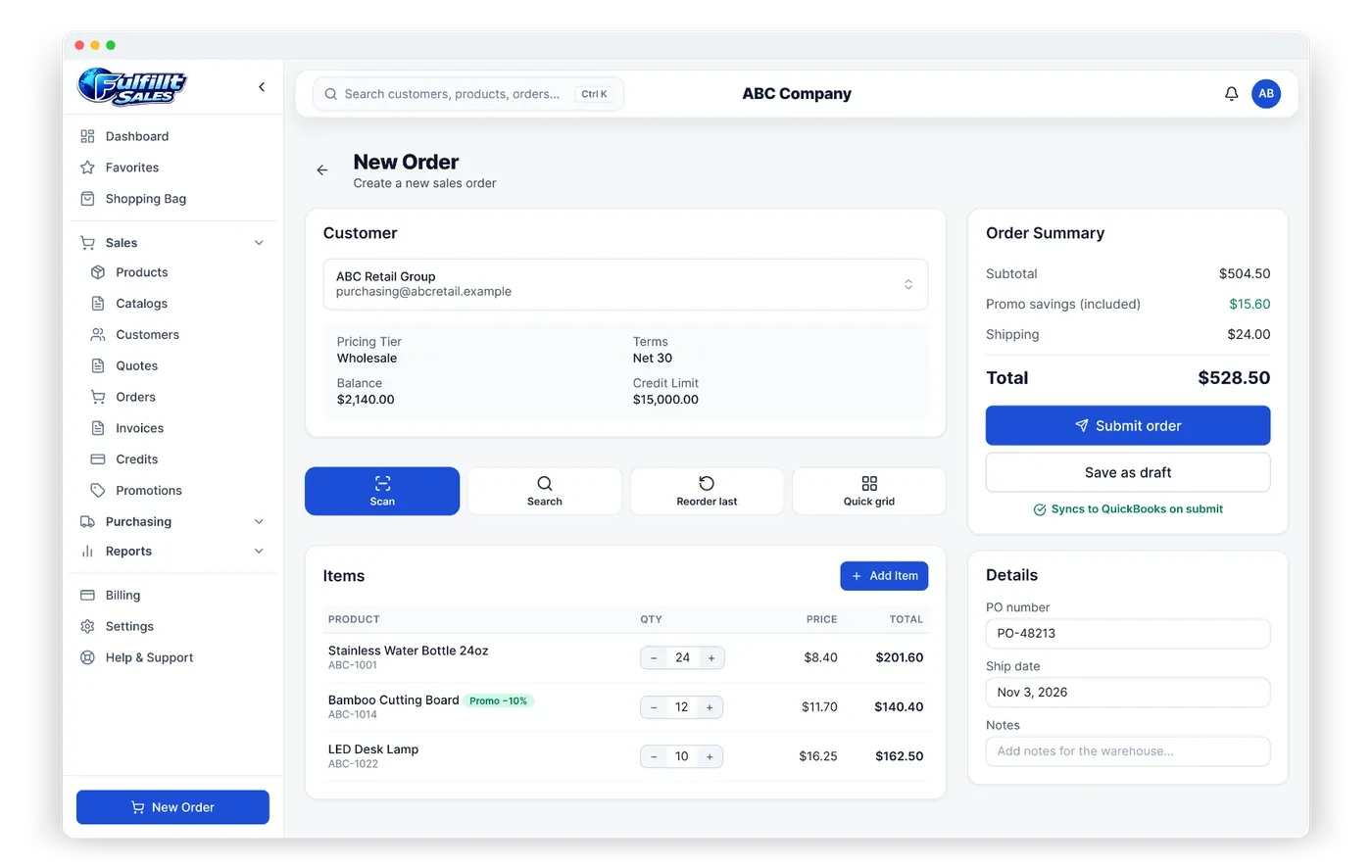
- At ABC Retail Group, the rep walks the aisles in the stockroom, where there's no signal. They open the customer, tap Reorder last order, adjust quantities and add two new items by scanning their barcodes with the phone camera.
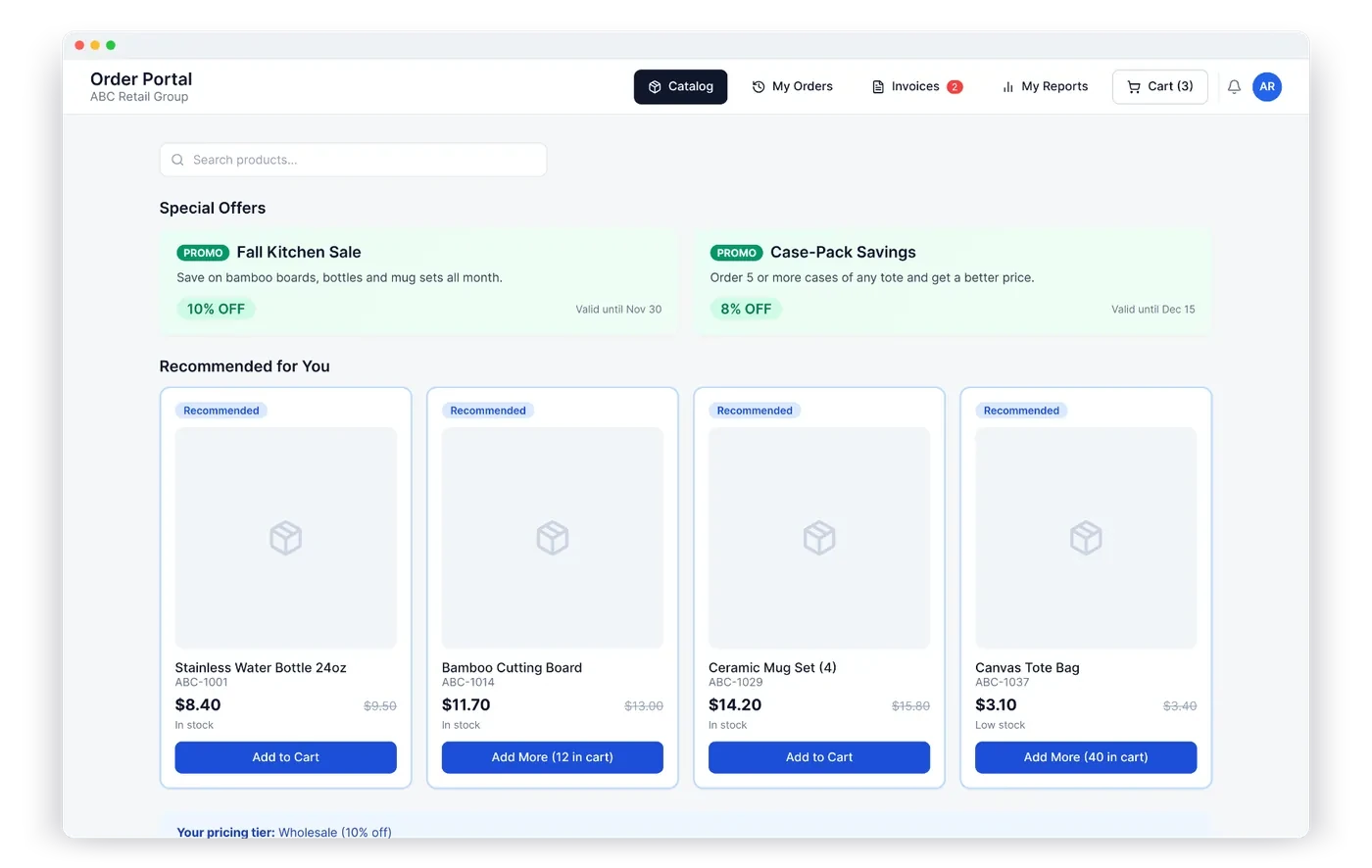
- The app shows the customer's wholesale price, the 10% promotion on bamboo cutting boards, and the order total, all without a connection.
- The buyer signs on the screen. The rep saves the order.
- Back in the truck, the phone finds a signal. The order is sent automatically and lands in the accounting system, ready for the warehouse.
No pad, no photo of a pad, no evening data entry.
Features that matter most for wholesale reps
When you compare sales rep apps, these are the details that make the biggest difference in the field.
Customer-specific pricing that works without a signal
Wholesale pricing is rarely one price per product. Customers have tiers, contract prices, quantity breaks and date-limited promotions. The app should calculate the right price on the device, so reps never have to guess. (We cover this in depth in our guide to customer-specific pricing.)
Fast reorders
Most wholesale orders look a lot like the last one. Favorites, a saved shopping bag and one-tap reorder save minutes on every visit.
Barcode scanning
Scanning a shelf tag or case barcode with the phone camera, or with a Bluetooth scanner, is faster and more accurate than searching by name.
Signatures and photos
A signature on the order protects you if there's a question later. Photos are useful for proof of delivery when reps also deliver.
Automatic sync to accounting
The whole point is to stop retyping. Orders should flow into QuickBooks Online, QuickBooks Desktop, Xero or Odoo automatically, with customers, products and prices coming back the other way.
How Fulfillt Sales handles offline ordering
Fulfillt Sales was built for reps who sell standing in a customer's store. Reps can look up customers and products and take orders and quotes with no signal. Everything is saved on the device and sent automatically when the connection comes back.
- Live stock and each customer's own prices while ordering
- Favorites, a saved shopping bag and one-tap reorders
- Barcode scanning with the camera or a Bluetooth scanner
- Customer signatures on orders
- Orders go straight to QuickBooks, Xero or Odoo, with no retyping
It runs on phones, tablets and desktops, so reps can use whatever device they already carry.
Questions to ask any vendor
Before you choose a sales rep app, ask these questions and ask to see them in a demo with airplane mode turned on:
- Can a rep create a new order for an existing customer with no signal?
- Are customer prices and promotions calculated offline?
- What happens if two reps edit the same customer while offline?
- How does the app tell the rep that an order has been sent?
- Do orders sync to my accounting system automatically, or does someone have to approve an import?
The bottom line
Offline order taking is not a nice-to-have for wholesale reps. It's the difference between capturing an order in the stockroom and losing it on the drive home. Look for an app that works fully offline, applies each customer's real prices, and sends orders straight to your accounting system.
Want to see it on your own products and customers? Book a demo or get a quote.