"We never got it."
Every distributor that delivers with its own trucks has heard it. Sometimes the delivery really went missing. More often it was received by someone else, put in the wrong room, or short one case that nobody noticed until later. Without proof, the safest move is usually to issue a credit or send it again, and both cost money.
Proof of delivery (POD) is the record that shows an order arrived: who received it, when, and in what condition. This article explains why paper POD falls short, what electronic proof of delivery should capture, and how it fits into the rest of your order workflow.
The problem with paper delivery receipts
Paper receipts signed on a clipboard are better than nothing, but they have real weaknesses:
- They get lost. In the truck, in a pocket, in a stack on someone's desk.
- They arrive late. The office doesn't see them until the driver returns, sometimes days later.
- They're hard to read. A scribble isn't much help when you need to know who signed.
- They're hard to find. When a customer disputes a delivery weeks later, someone has to dig through a file.
- They prove very little about condition. A signature doesn't show whether pallets were damaged.
What electronic proof of delivery should capture
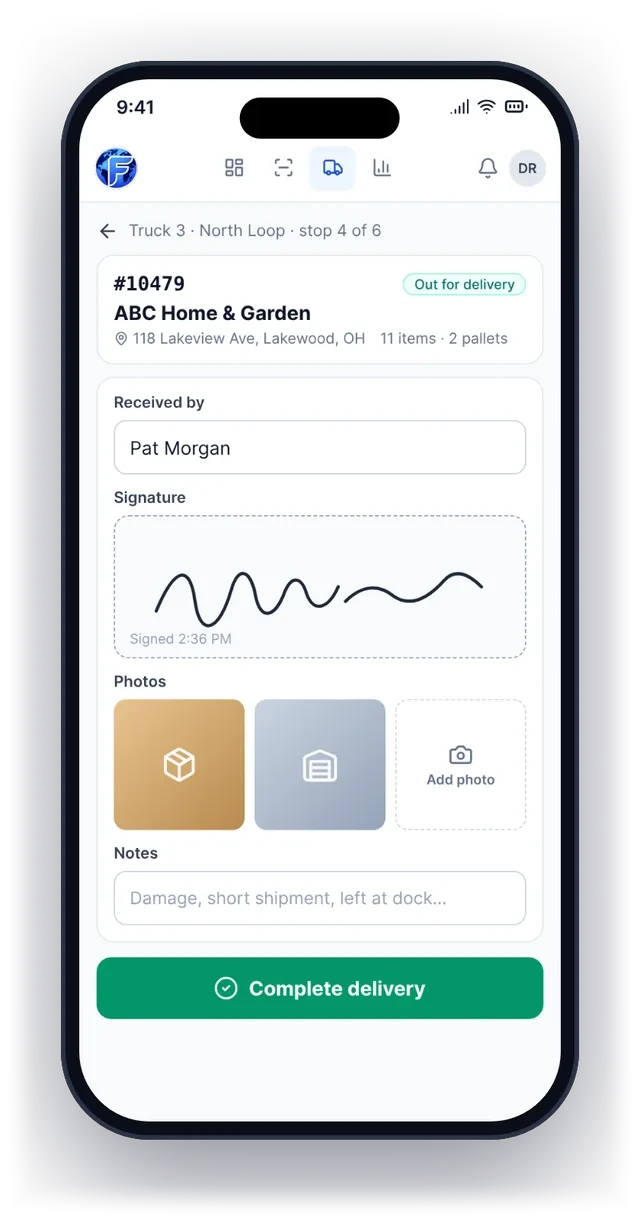
A good electronic POD, captured on the driver's phone, includes:
- The receiver's name. Typed in, so it's always readable.
- A signature, on the screen.
- Photos: the pallets at the dock, the product in the stockroom, or any damage.
- The delivery time, recorded automatically.
- Notes about anything unusual: left at the back door, one case refused, customer requested a call.
Because it's captured digitally, all of it is attached to the order right away. Anyone in the office, and the sales rep, can see it without calling the driver.
How electronic POD saves money
Fewer disputes. When a customer says an order didn't arrive, you can show the name, signature, time and photos within seconds. Most disputes end there.
Fewer unnecessary credits. Credits issued "to keep the customer happy" add up. A clear record lets you issue credits only when they're really owed.
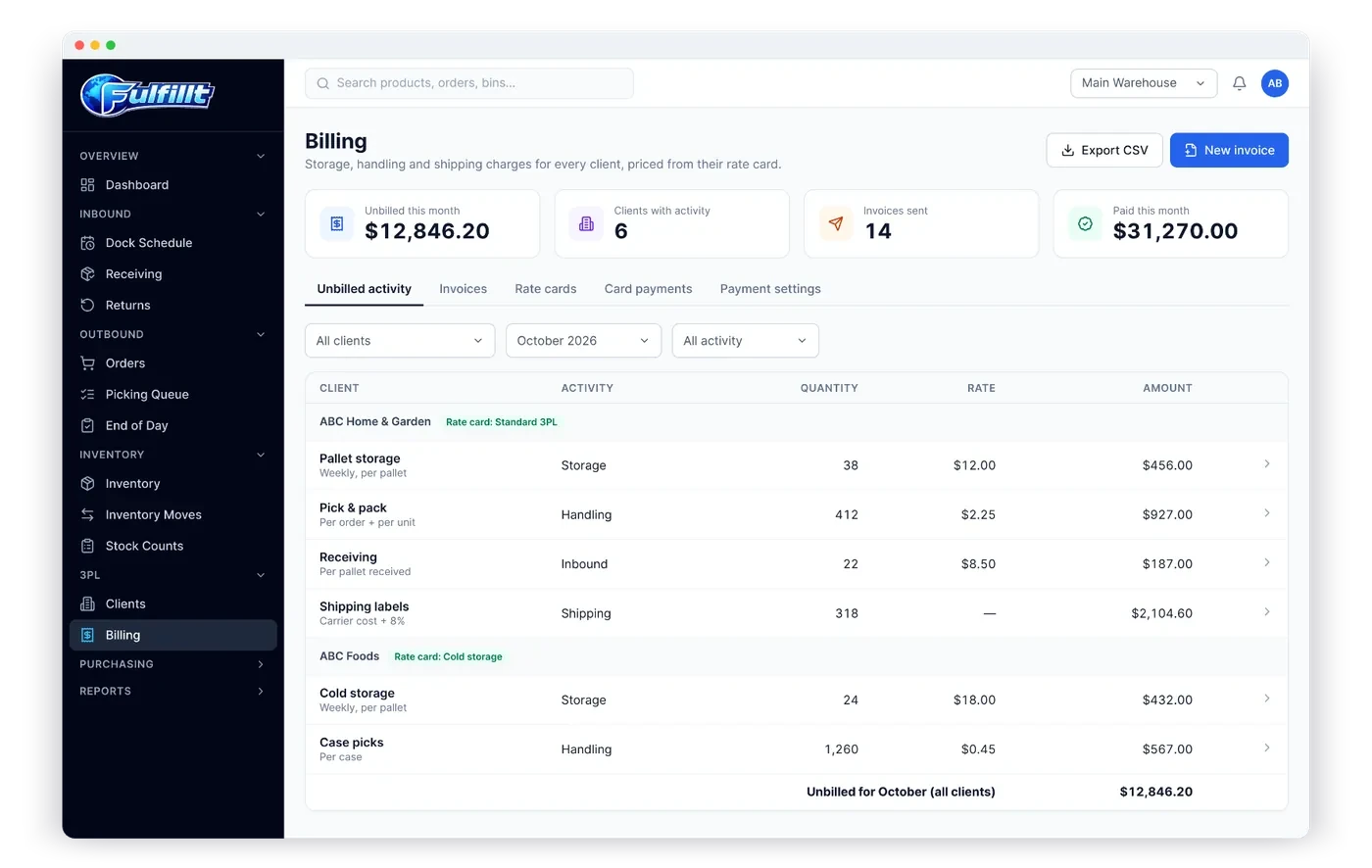
Faster billing. If you invoice on delivery, an instant POD means invoices can go out the same day.
Fewer phone calls. Sales and office staff can check delivery status themselves instead of calling the warehouse or the driver.
Better damage claims. Photos at delivery show the condition the product arrived in.
Should proof of delivery be required?
It depends on what you deliver and who you deliver to. Many businesses make POD required for:
- High-value orders
- New customers
- Customers with a history of disputes
and optional for long-time customers with simple drop-offs. Being able to choose per business keeps drivers moving without giving up protection where it matters.
Where POD fits in the order workflow
Proof of delivery is the last step in an order's journey:
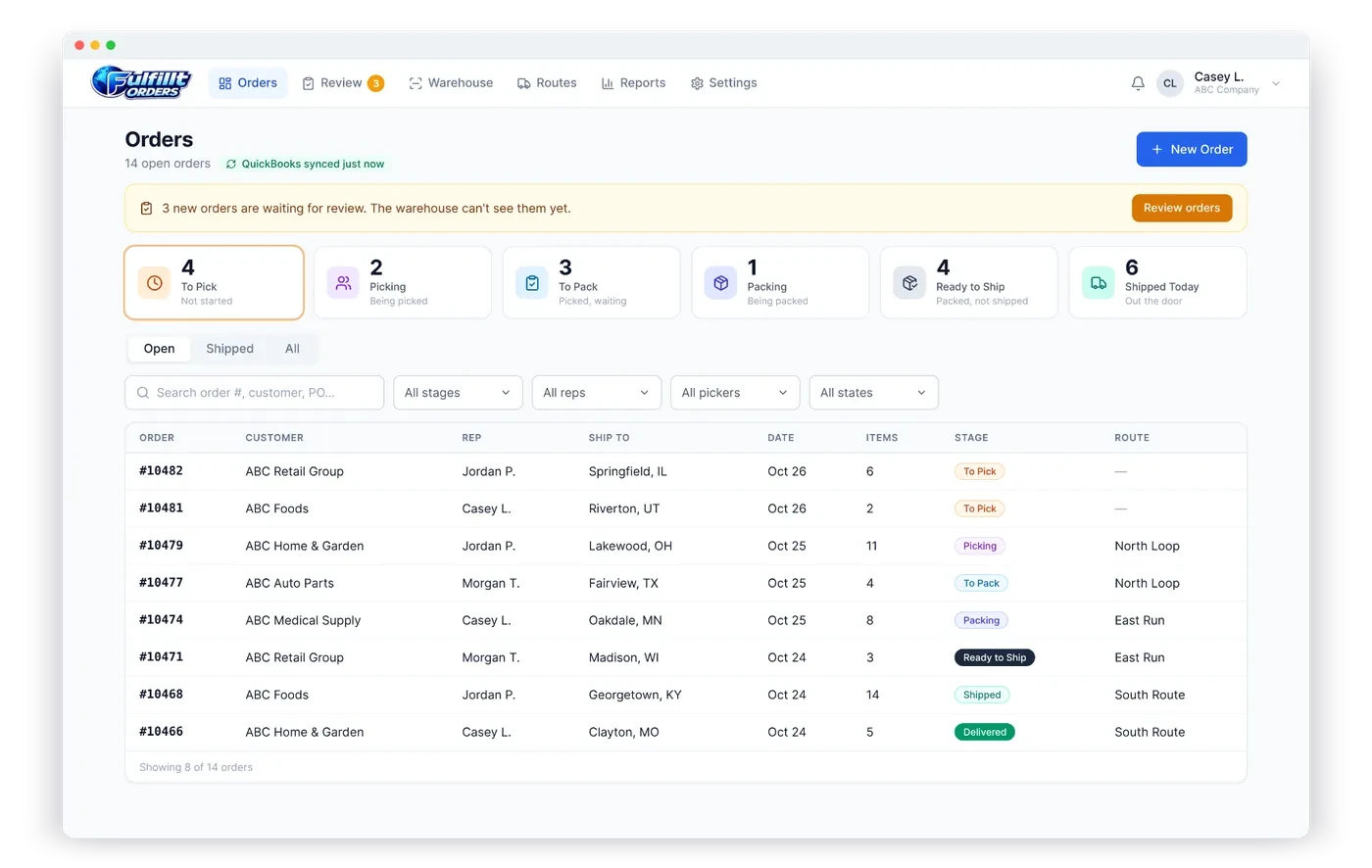
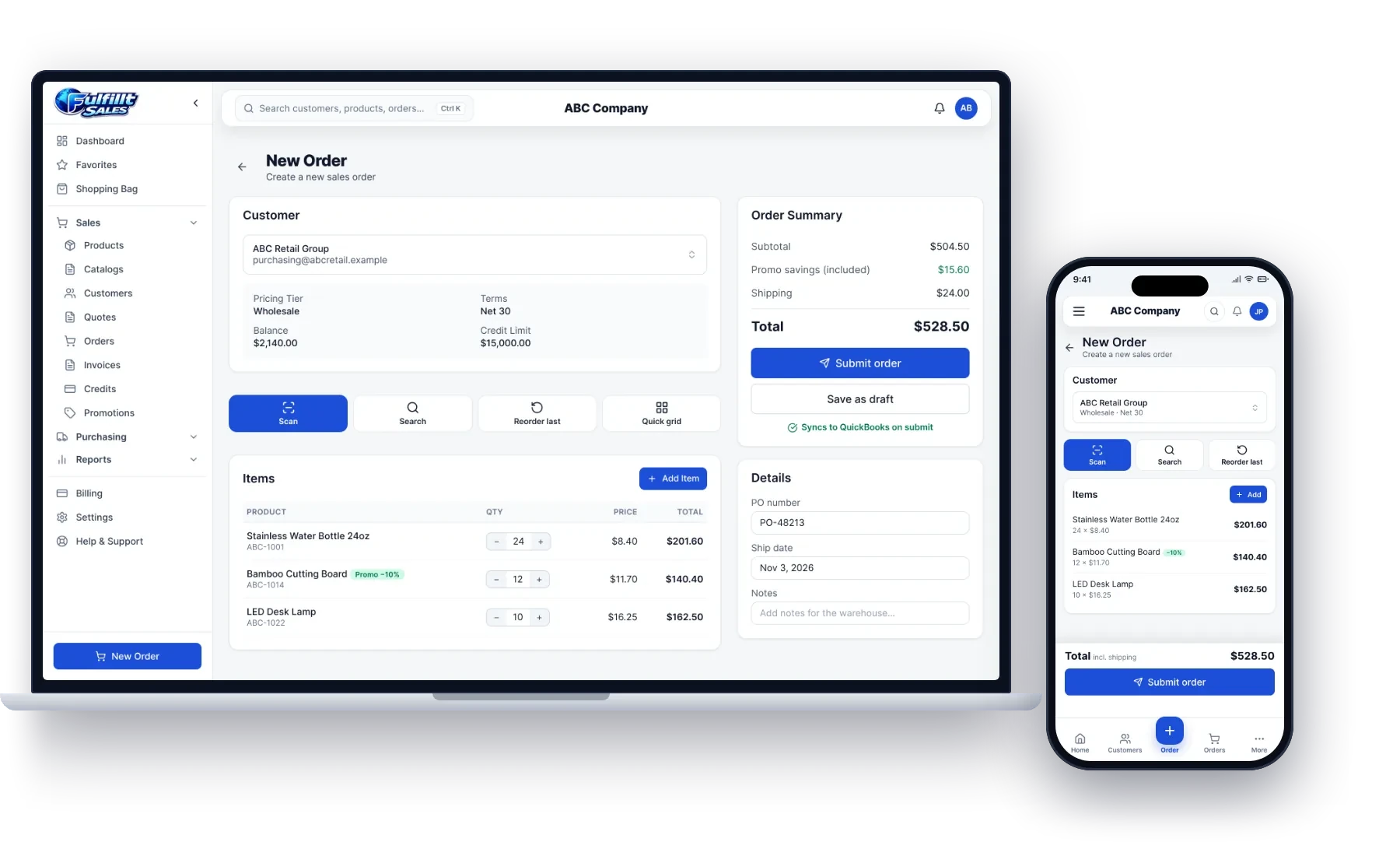
- The order comes in from your accounting system or sales app.
- The warehouse picks and packs it, recording pallets and the staging lane.
- The order is loaded onto a route and truck.
- The driver delivers it and captures proof of delivery.
When each step is recorded in the same system, you get a complete timeline of every order, from the moment it was received to the moment it was signed for. (We cover the earlier steps in how to see every order's stage live.)
An example
The driver for the fictional distributor ABC Company arrives at ABC Home & Garden with order #10479. On their phone, they:
- Type the receiver's name: Pat Morgan
- Capture Pat's signature
- Take two photos of the three pallets inside the receiving door
- Tap Complete delivery
The order now shows as delivered, with the time, name, signature and photos. The account rep gets a notification, and the office can bill right away.
How Fulfillt Orders handles proof of delivery
With the Dispatch add-on, Fulfillt Orders lets you plan routes by truck and driver, and drivers capture proof of delivery on their phone:
- Signature, delivery photos and the name of who received it
- Make proof of delivery optional or required
- Delivery time recorded on the order for everyone to see
- Reps can get an email or text when their orders are delivered
Every order has a full history with a timestamp at every stage, from received to delivered.
The bottom line
Paper delivery receipts get lost and prove little. Electronic proof of delivery captures who received the order, when, and in what condition, and makes it available to everyone instantly. It's one of the simplest ways to cut disputes and credits.